
Cookie Policy
MakersKey Cookie Policy This MakersKey Cookie Policy explains how we use cookies and similar technologies to recognize you when you visit our website. It explains
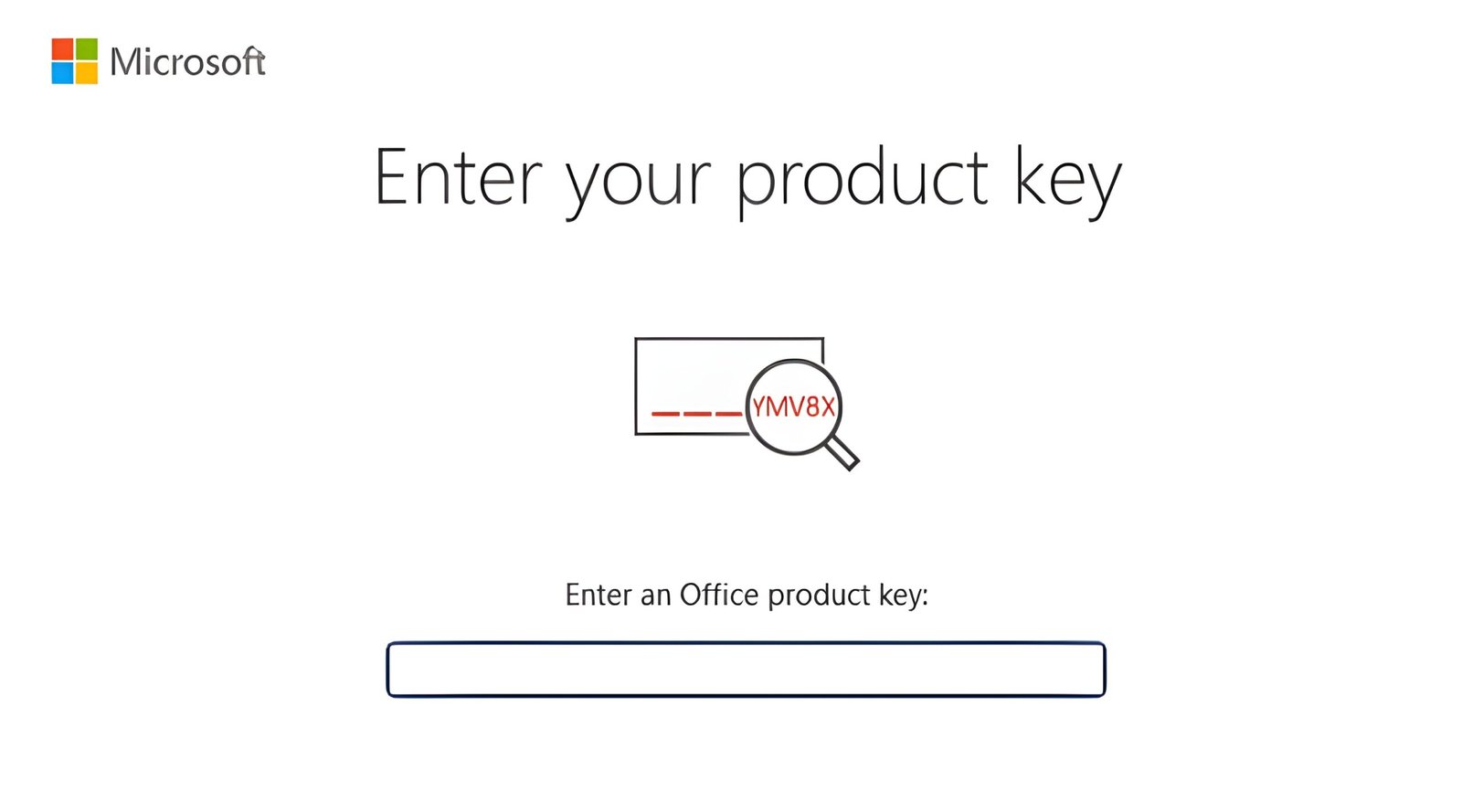
If you are wondering how your microsoft product key actually works in 2026, you are not alone. With the evolution toward cloud-linked licenses and digital signatures, managing your software has changed radically. This complete guide explains the different license types, secure activation methods, and how to verify that your key is the perfect gateway to a high-performance PC.
Official Licenses | Security Guaranteed | Easy Activation | Best Value 2026
Not all keys are created equal. Understanding the difference is the best way to choose the one that fits your specific needs:
Activation is the process that confirms your copy is original and has not been used on more devices than allowed. In 2026, the procedure is streamlined for the best user experience:
To stay secure, it is crucial to verify the authenticity of your microsoft product key. Here are the signs of an official license:
slmgr /dli. A window will display your license type (Retail or OEM). If it shows “Volume” on a personal PC, the key may not be appropriate for home use.| Feature | Retail Key | OEM Key | Volume Key |
| Transferable? | Yes | No | Within Organization |
| Best For | Personal PCs | New Hardware | Business/Enterprise |
| Support | Direct Microsoft | PC Manufacturer | IT Administrator |
| Activation | Online/Account | HW Bound | Centralized |
Owning a genuine microsoft product key is the only way to ensure you receive critical security updates and full technical support. Whether you choose the flexibility of Retail or the value of OEM, always ensure you purchase from authorized resellers. This is the perfect choice for total peace of mind and uninterrupted productivity.
Explore Official Microsoft Keys →
Can I use a Windows 10 key to activate Windows 11?
Yes! Microsoft generally allows you to use a previous version’s key to activate the new OS, provided the edition (Home or Pro) matches. This is the best way to keep your system updated for free.
What happens if I lose my product key?
If your key is already linked to your Microsoft account, you no longer need the physical code. Simply sign in to your account on the new device to reactivate your software.
Is it safe to buy product keys online?
Yes, as long as you choose an official reseller that provides an invoice and customer support. Avoid unverified auction sites to guarantee your activation remains valid forever.
MakersKey Cookie Policy This MakersKey Cookie Policy explains how we use cookies and similar technologies to recognize you when you visit our website. It explains
MakersKey Payment Policy At MakersKey, we aim to provide a seamless and secure checkout experience so you can receive your digital software licenses without delay.
Privacy Policy At MakersKey, we are committed to protecting your privacy. This MakersKey Privacy Policy explains how we collect, use, and safeguard your personal information
Terms & Conditions Welcome to MakersKey. By accessing our website and purchasing our digital products, you agree to comply with and be bound by the